Key takeaways
- Telegram supports bold, italic, underline, strikethrough, monospace, spoilers, quotes and links, all built in.
- The easiest way is to select your text and pick a style from the menu. Typing shortcuts like
**bold**also work in many Telegram apps. - Telegram messages can be up to 4,096 characters, so long formatted posts usually fit in one go.
Telegram is a favourite in India for study groups, job updates, cricket channels and community announcements. And if you run a group or channel, good formatting makes a huge difference: a bold heading, a clean list, a hidden spoiler for the answer to a quiz. The best part is that Telegram has all of this built in, no fancy font apps needed. This guide covers every formatting option, the shortcuts, and a few tips to make your posts look really professional.
Why I wrote this guide
Telegram is used for study groups, job updates and community channels, and clear formatting helps people read important information. I wrote this guide so anyone running a group can make their posts neat and easy to follow.
Sheela Shivhare
Method 1: the formatting menu (works everywhere)
- Type your message in the chat box.
- Select the words you want to format (long-press and drag on phones).
- Choose a style from the menu that pops up. On Android, you may need to tap the three dots to see all options.
- Send. The formatting stays exactly as you chose.
The menu usually offers Bold, Italic, Underline, Strikethrough, Monospace, Spoiler, Quote and Link.
Method 2: typing shortcuts
Many Telegram apps, especially on desktop, also understand these shortcuts as you type:
| Style | Type |
|---|---|
| Bold | **text** |
| Italic | __text__ |
| Strikethrough | ~~text~~ |
| Monospace (inline) | `text` |
| Code block | ```text``` |
| Spoiler | ||text|| |
Pro tip
On Telegram Desktop, select text and press Ctrl+B for bold, Ctrl+I for italic, Ctrl+U for underline and Ctrl+K to add a link. If you post daily updates to a channel, these shortcuts save a lot of time.
The spoiler feature (great for quizzes)
Spoiler text appears hidden behind an animated blur until someone taps it. It's perfect for:
- Quiz answers in study groups: "Answer: (spoiler) Option C".
- Movie and series spoilers, so people can choose whether to read them.
- Surprise reveals, like a birthday plan in a friends group.
Bonus
Running a daily quiz channel? Post the question in bold, the options as a numbered list, and the answer as a spoiler at the bottom. Your members can try first and check later, all in a single message.
Making long channel posts look professional
- Start with a bold headline, like "Today's Job Updates (5 new openings)".
- Use short lines and line breaks. Walls of text get skipped.
- Use monospace for codes and numbers, like coupon codes or roll numbers, so they're easy to copy. On many devices, tapping monospace text copies it instantly.
- Add proper links using the Link option instead of pasting long, ugly URLs.
- End with one clear call to action, like "Share with a friend who's preparing for exams."
Repeating formatted text
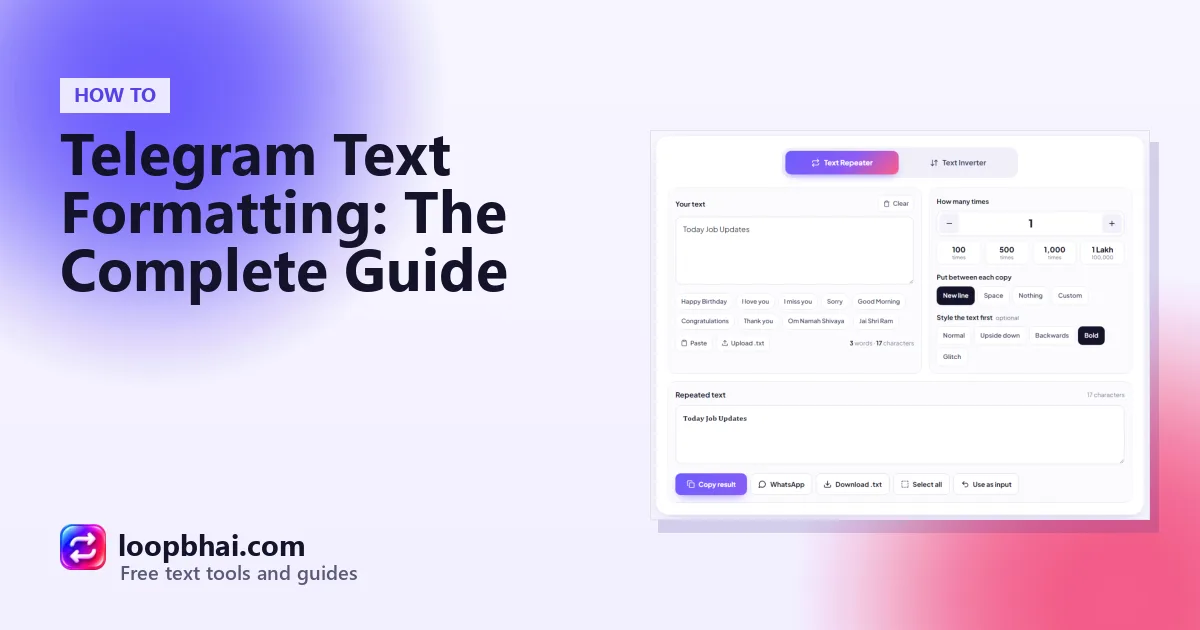
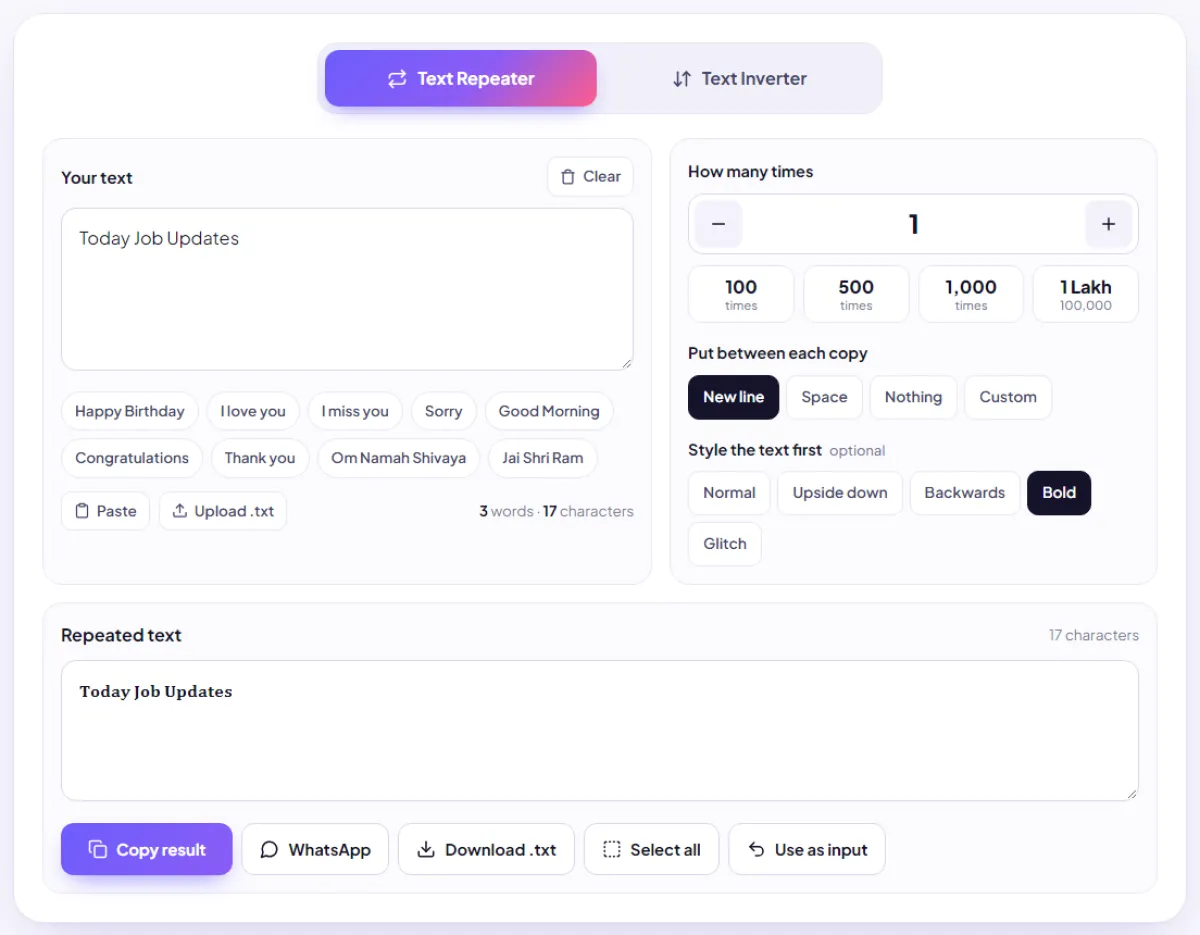
Want a bold divider line between sections, or the same formatted line repeated a few times? Type the shortcut version (like **NEW**) in the LoopBhai Text Repeater, repeat it with a space, and paste it into a Telegram app that supports shortcuts. You can also use the Bold style in the Text Repeater for a heading that looks bold anywhere, even outside Telegram.
Handy Telegram features worth knowing
Schedule messages
Long-press the send button and choose Schedule message. Perfect for posting a "Good morning, here's today's question" at 7 am without waking up early.
Send without sound
Long-press send and choose Send without sound for late-night posts, so members don't get a loud notification.
Edit after sending
Spotted a typo after posting? Long-press your message and tap Edit. Much better than deleting and reposting.
Looks great
- One bold headline per post
- Monospace for codes and numbers
- Spoilers for answers and surprises
Looks messy
- Everything in bold
- Mixing five styles in one line
- Long raw links all over the post
Watch out
Telegram groups and channels are a common target for scams like fake job offers and "investment tips". If you run a group, never ask members for money or OTPs, and warn them regularly not to trust anyone who does.
Frequently asked questions
How do I write bold text in Telegram?
Select the text and choose Bold from the menu, or type **text** in apps that support shortcuts. On desktop, Ctrl+B works too.
How do I add a spoiler in Telegram?
Select the text and choose Spoiler, or type ||text|| where shortcuts are supported.
What's the Telegram message limit?
4,096 characters for a normal text message.
Can I schedule a message on Telegram?
Yes. Long-press the send button and choose Schedule message.
Why aren't my ** shortcuts working?
Some Telegram apps don't convert shortcuts. Use the formatting menu instead: select the text and pick the style.