Key takeaways
- Discord uses Markdown:
**bold**,*italic*,__underline__,~~strikethrough~~and||spoiler||. - You can also make headings with
#, lists with-, quotes with>and code blocks with three backticks. - Messages are limited to 2,000 characters on a free account and 4,000 with Nitro.
Whether you're in a gaming server, a coding community or a college club, Discord messages look so much better with a little formatting. A bold announcement, a neat code block, a hidden spoiler: it all helps people actually read what you wrote. Discord uses a simple system called Markdown, and once you learn a handful of symbols, you'll never forget them. Here's the complete cheat sheet, with examples and a few tricks most people don't know.
Why I wrote this guide
Young people spend a lot of time on Discord, and good formatting makes their messages so much clearer. The symbols look confusing at first, but they are easy once someone explains them simply. That is why I put everything in one place.
Sheela Shivhare
The basic styles
| Style | Type |
|---|---|
| Bold | **text** |
| Italic | *text* or _text_ |
| Bold italic | ***text*** |
| Underline | __text__ |
| Strikethrough | ~~text~~ |
| Spoiler | ||text|| |
| Inline code | `text` |
You can also combine them. __**text**__ gives you bold and underlined text, which is great for important announcements.
Pro tip
Want to show the symbols themselves without formatting? Put a backslash before them. Typing \*not italic\* shows the stars as normal characters. Handy when you're explaining formatting to someone else!
Headings, lists and quotes
| What | Type at the start of the line |
|---|---|
| Big heading | # |
| Medium heading | ## |
| Small heading | ### |
| Small grey subtext | -# |
| Bulleted list | - or * |
| Numbered list | 1. |
| Quote (one line) | > |
| Quote (everything after) | >>> |
Remember to add a space after the symbol. # Rules becomes a heading, but #Rules stays as plain text.
Code blocks (for developers and coding servers)
Wrap code in three backticks on separate lines to create a code block. Add a language name after the first three backticks, like ```python or ```js, and Discord highlights the code in colour. This makes a massive difference when someone is asking for help with an error.
Bonus
Need to share a very long error log? Discord's limit is 2,000 characters (4,000 with Nitro), so long logs get rejected. Paste the log into a .txt file and upload it instead. Discord shows a neat preview, and nobody has to scroll through a wall of text.
Links that look clean
Discord supports masked links: [Join our tournament](https://example.com) shows just "Join our tournament" as a clickable link. To stop Discord from showing a big preview of a link, wrap it in angle brackets, like <https://example.com>.
Making a great server announcement
- Start with a heading:
# Tournament this Saturday! - Add the key details as a list: date, time, how to register.
- Bold the most important line:
**Registrations close Friday 9 pm** - Add a small note at the end with
-#for extra info, like "Ping a mod if you have questions".
Spoilers and repeated text
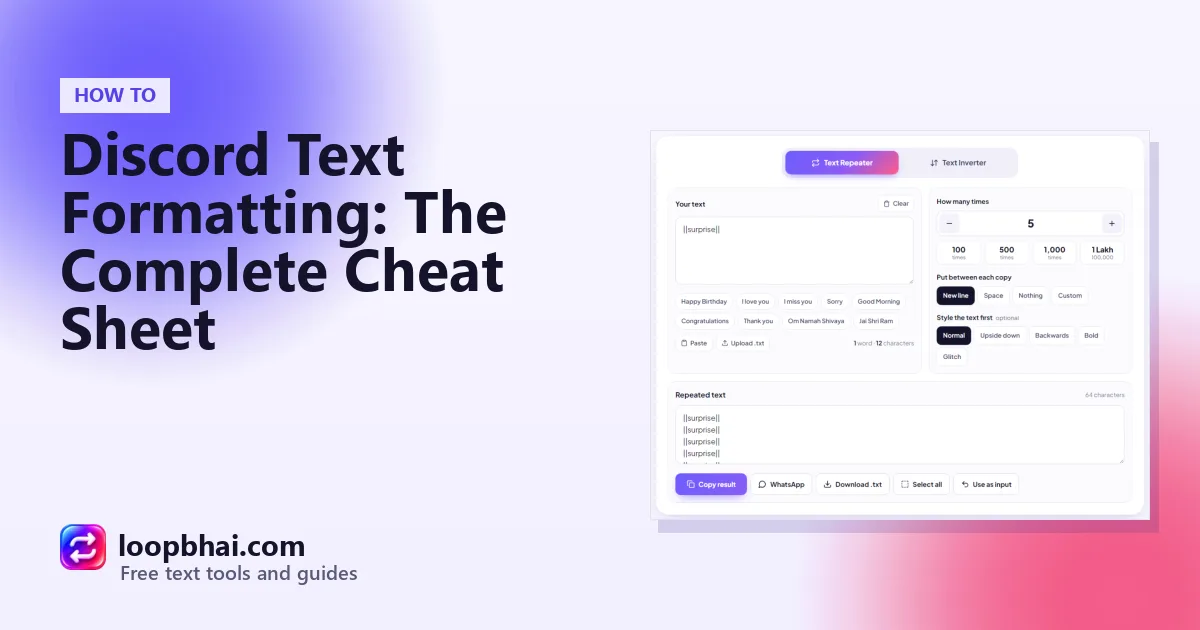
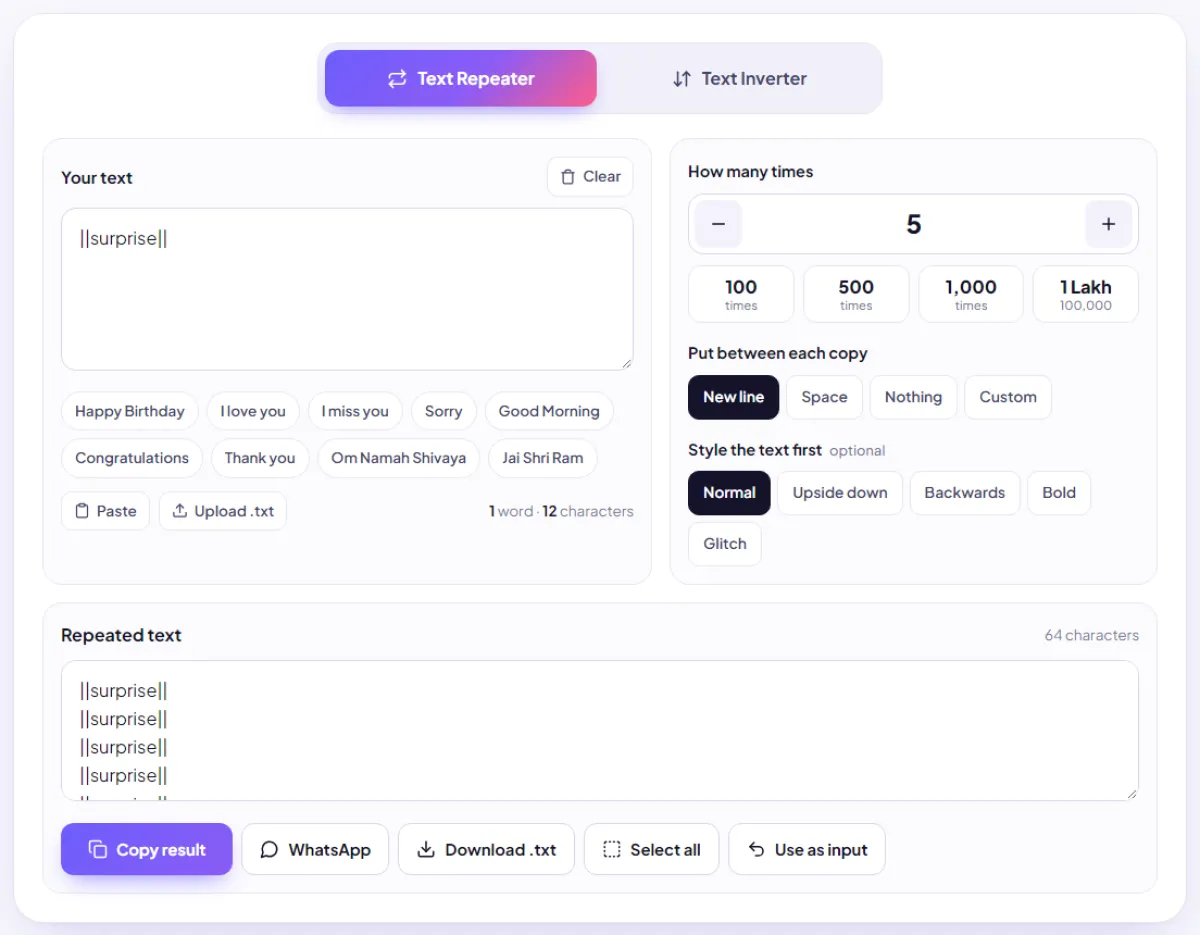
Spoilers are perfect for game endings, quiz answers and movie twists. Want a fun "mystery box" message? Type ||surprise|| in the LoopBhai Text Repeater, repeat it a few times on new lines, and paste it into Discord. Your friends will have to tap each box to see what's inside.
Common formatting mistakes (and quick fixes)
"My heading isn't showing"
Headings only work at the very start of a line, with a space after the hash. Hey # Rules won't work, but # Rules on its own line will.
"My italic became bold"
One star on each side is italic, two is bold, three is both. Count your stars, especially when you copy text from somewhere else.
"My code block looks broken"
The three backticks need to be on their own lines, at the start and at the end. Also make sure you're using backticks (`), the key next to 1 on most keyboards, and not apostrophes (').
"My list is just plain text"
Leave a space after the hyphen or number: - item or 1. item. Without the space, Discord treats it as a normal sentence.
Good habits
- Headings for announcements
- Code blocks for code and errors
- Spoilers for anything people may not want to see yet
Annoying habits
- Big headings for every small message
- Long repeated text that floods a channel
- Pinging everyone for minor updates
Watch out
Many servers have rules against spam, and flooding a channel with repeated text can get you muted or banned. Use repeated text in your own server or with friends who are in on the joke.
Frequently asked questions
How do I make text bold on Discord?
Wrap it in two stars on each side: **text**.
How do I hide a spoiler on Discord?
Wrap the text in two vertical bars on each side: ||text||. People tap it to reveal.
How do I make a heading on Discord?
Start the line with # (with a space). Use ## or ### for smaller headings.
What's the Discord message limit?
2,000 characters on a free account and 4,000 with Nitro.
How do I add colour to code on Discord?
Create a code block with three backticks and add the language name after them, like ```python.