Key takeaways
- WhatsApp allows by far the longest messages (about 65,000 characters). SMS allows the shortest (160, or only 70 in Hindi and other Indian scripts).
- Bios are tiny everywhere: 150 characters on Instagram, about 139 for the WhatsApp "About" line, and 70 on Telegram.
- Apps change these numbers now and then. Treat this page as a practical guide, and test in the app itself if a few characters really matter.
"Message too long." Few things are as annoying as writing (or generating) the perfect message, only for the app to refuse it. Every app has its own limits, and they're surprisingly different: the same text that fits in one WhatsApp message would need more than 400 separate SMS. So we've collected the limits that matter for everyday use, all in one place, along with tips on what to do when your text is too long.
Why I wrote this guide
People often find out about an app's message limit only when their message gets cut or refuses to send. I wrote this guide to keep all the important limits in one place, so nobody has to find out the hard way.
Sheela Shivhare
Message limits at a glance
The bars below compare how long a single message can be. We've squeezed the scale so the small ones are still visible, so go by the numbers, not just the bar lengths.
The full reference table
| App | What | Limit (characters) |
|---|---|---|
| Message | about 65,536 | |
| Text status | about 700 | |
| About (profile line) | about 139 | |
| Caption | 2,200 | |
| Bio | 150 | |
| Username | 30 (letters, numbers, full stops, underscores only) | |
| Hashtags per post | 30 | |
| Telegram | Message | 4,096 |
| Bio | 70 (longer with Premium) | |
| Discord | Message | 2,000 (4,000 with Nitro) |
| About me | 190 | |
| X (Twitter) | Post, free account | 280 |
| Post, Premium | 25,000 | |
| YouTube | Comment | 10,000 |
| Video title | 100 | |
| Video description | 5,000 | |
| Post | 63,206 | |
| Post | 3,000 | |
| Headline | 220 | |
| SMS | One message, English letters | 160 |
| One message, Hindi or any Indian script | 70 |
Watch out
These are the limits commonly documented for each app at the time of writing, and apps change them without much warning. If a few characters really matter, say for a bio, test it in the app before relying on it.
Why Hindi SMS are so much shorter
This one surprises a lot of people. A normal SMS uses a compact character set called GSM-7, which only covers basic English letters, numbers and a few symbols. The moment your message has even one character outside that set, like any Hindi letter, the whole SMS switches to a different encoding (UCS-2) that takes double the space. That drops the limit from 160 characters to just 70.
Longer texts get split into several SMS and joined back together on the other phone. Each part loses a few characters for the joining information, so a long Hindi message can turn into many separate SMS, which may cost more on some plans.
Pro tip
The same thing happens with "smart" punctuation. A curly apostrophe (’) instead of a straight one (') can switch an English SMS into the shorter 70-character mode. If your English SMS keeps splitting for no reason, look for curly quotes copied from a document.
How to check your length before pasting
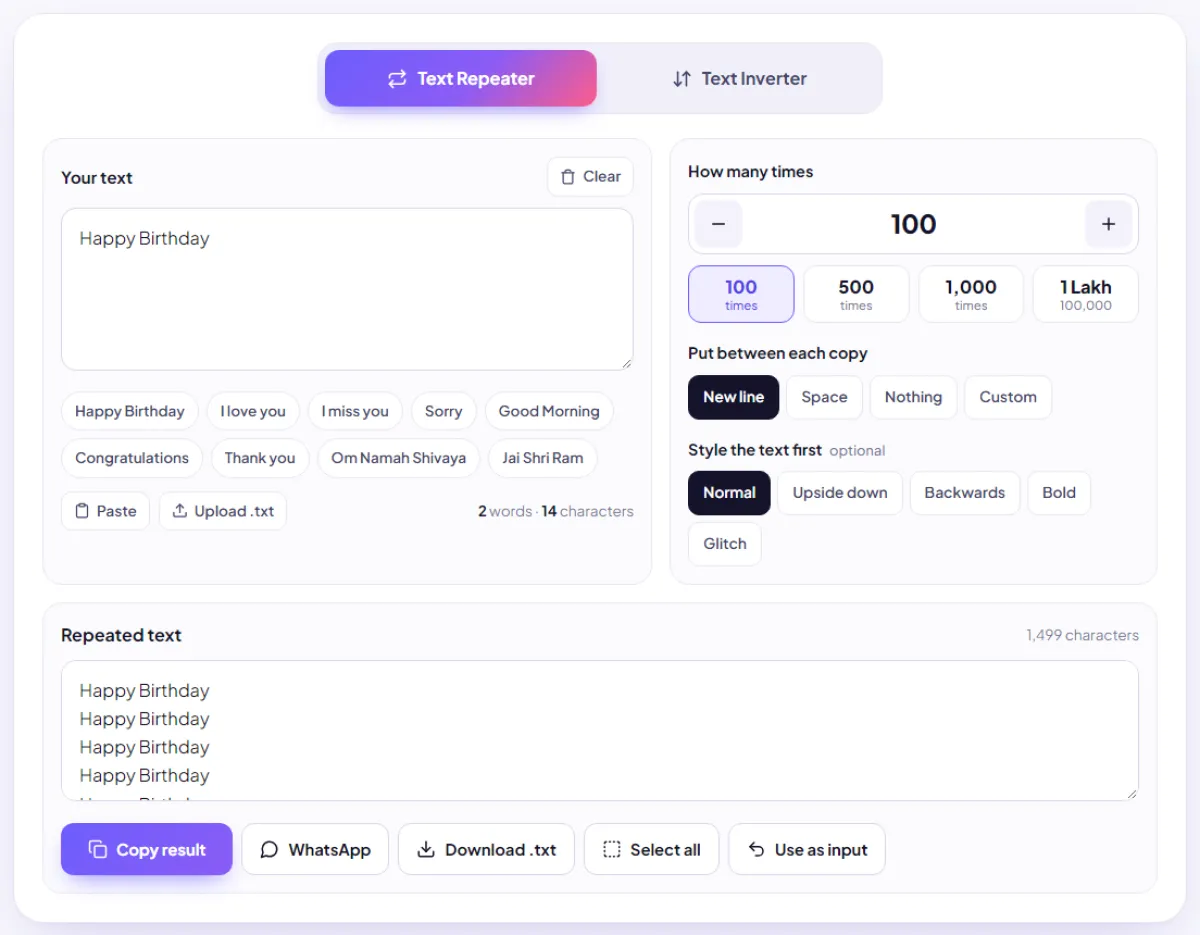
LoopBhai shows you two counts:
- Under the input box: the number of words and characters in what you typed.
- Above the result: the total characters in the final text, including every separator between copies.
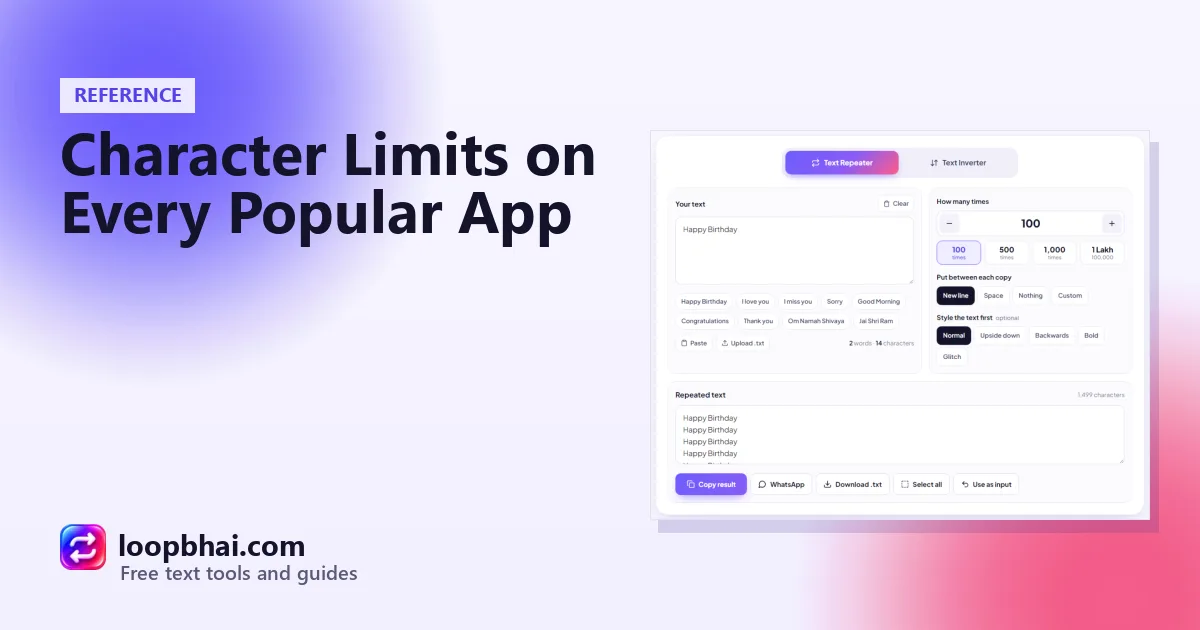
Compare the result total with the table above. For example, "Happy Birthday" repeated 100 times on new lines comes to 1,499 characters: fine for WhatsApp, Telegram and an Instagram caption, but too long for X or a single SMS.
What to do when your text is too long
Lower the count
The simplest fix. Divide the app's limit by the length of one copy plus its separator to find the most copies that fit. For a 10-character word on new lines (11 characters per copy) on Discord: 2,000 divided by 11 is about 181 copies.
Use a shorter separator
Switching from a custom separator like , (three characters) to a single space fits a lot more copies in the same limit.
Send it as a file
WhatsApp, Telegram and Discord all accept documents. LoopBhai's Download .txt button creates a text file you can attach, and length is no longer a problem.
Split it across messages, carefully
On apps with strict anti-spam systems, sending lots of long messages back to back can look automated. If you need to split something, send a few parts with a pause in between, and only to people who are expecting it.
Bonus
Emoji often count as two characters, not one, because of how apps measure text behind the scenes. If you're close to a limit and your text has emoji, leave a little room. Our testing guide explains why this happens.
Frequently asked questions
What's the maximum length of a WhatsApp message?
About 65,536 characters in one message. Anything longer gets refused or cut, so send very long text as a document instead.
How many characters can an Instagram bio have?
150 characters. Captions can be much longer, up to 2,200.
Why does my Hindi SMS split into so many messages?
Any Hindi or other non-English character switches the SMS to an encoding that allows only 70 characters per message instead of 160, so long Hindi texts get split into several parts.
Do spaces and line breaks count as characters?
Yes, every single one. That's why LoopBhai's total includes the separators between copies.
How long can a Discord message be?
2,000 characters on a free account and 4,000 with Discord Nitro.