Key takeaways
- Instagram captions can be up to 2,200 characters, with a maximum of 30 hashtags.
- Only the first line or two shows in the feed before "more", so your opening line has to do the heavy lifting.
- There's no single "perfect" length. Short captions suit strong photos; longer ones work for stories, tips and personal posts.
How long should an Instagram caption be? It's one of those questions everyone has an opinion on. Some say "keep it short", others swear by long, storytelling captions. The truth is somewhere in between, and it depends on what you're posting. In this guide, we'll cover the actual limits, what shows up before the "more" button, and how to write captions that people actually read, whether you're a creator, a small business or just posting holiday pics.
Why I wrote this guide
People spend so much effort on their Instagram photos and then struggle with the caption. A good caption is not about length; it is about the first line and clear writing. I wrote this guide to make captions easier for everyone.
Sheela Shivhare
The numbers you need to know
| What | Limit |
|---|---|
| Caption length | 2,200 characters |
| Hashtags per post | 30 |
| Bio | 150 characters |
| Visible in feed before "more" | Roughly the first 125 characters, or the first couple of lines |
Remember: spaces, line breaks, emoji and hashtags all count towards the 2,200.
Your first line is everything
In the feed, Instagram cuts your caption after a line or two and shows "more". Most people decide whether to tap "more" based on that first line alone. So:
- Start with the hook, not with "So today I went to...".
- Ask a question or say something surprising: "I spent ₹500 and this is the best meal I've had all year."
- Keep hashtags at the end, never in the first line.
Pro tip
Write your caption, then read only the first line out loud. If it doesn't make you curious, rewrite it. This one habit improves captions more than any other trick.
How long should your caption be?
Short (under 100 characters)
Best for strong photos that speak for themselves: travel shots, food, outfits. "Goa, you have my heart." Done.
Medium (100 to 500 characters)
The sweet spot for most everyday posts. A hook, a little context, and a question to get comments.
Long (500 to 2,200 characters)
Great for personal stories, tutorials, tips and "what I learned" posts. Long captions can work really well, as long as they're easy to read, which brings us to formatting.
Formatting long captions so people read them
- Use short paragraphs of two or three lines.
- Add line breaks between paragraphs. If Instagram squashes your empty lines together, put an invisible character on the empty line. Our blank message guide shows how.
- Use numbered points for tips: "1.", "2.", "3.".
- Bold a heading sparingly with Unicode bold, but never your keywords. Our bold text guide explains why.
Bonus
Write your keywords naturally in the caption, like "easy paneer recipe" or "Jaipur travel tips". Instagram search increasingly looks at captions, not just hashtags, so a clear, descriptive caption helps the right people find you.
Check your caption length before posting
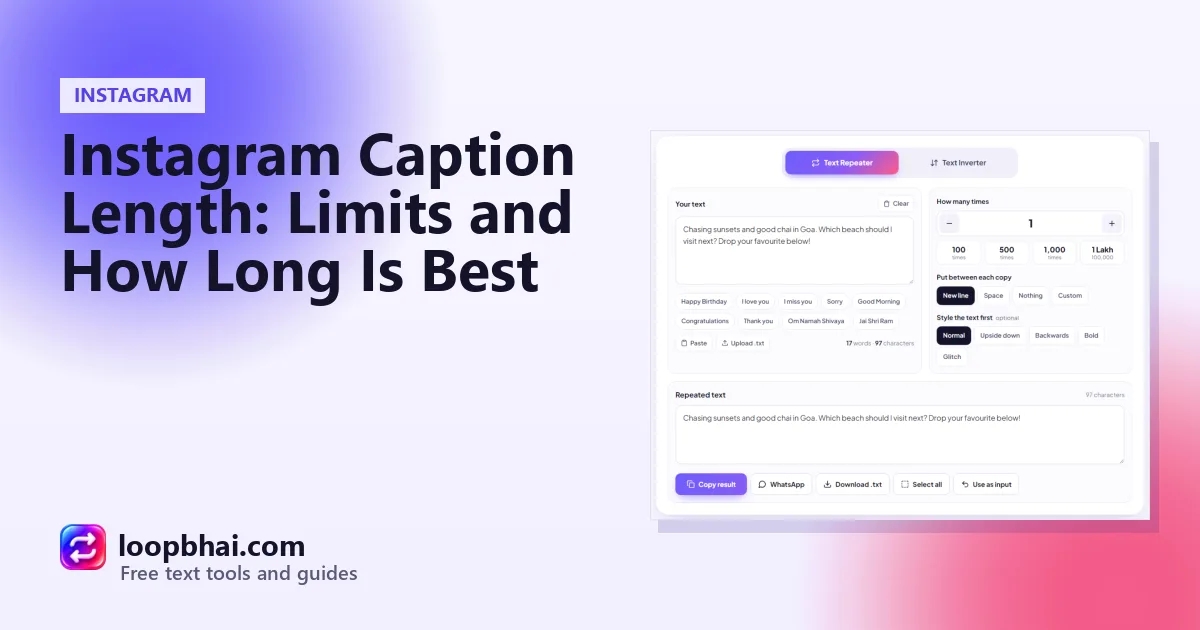
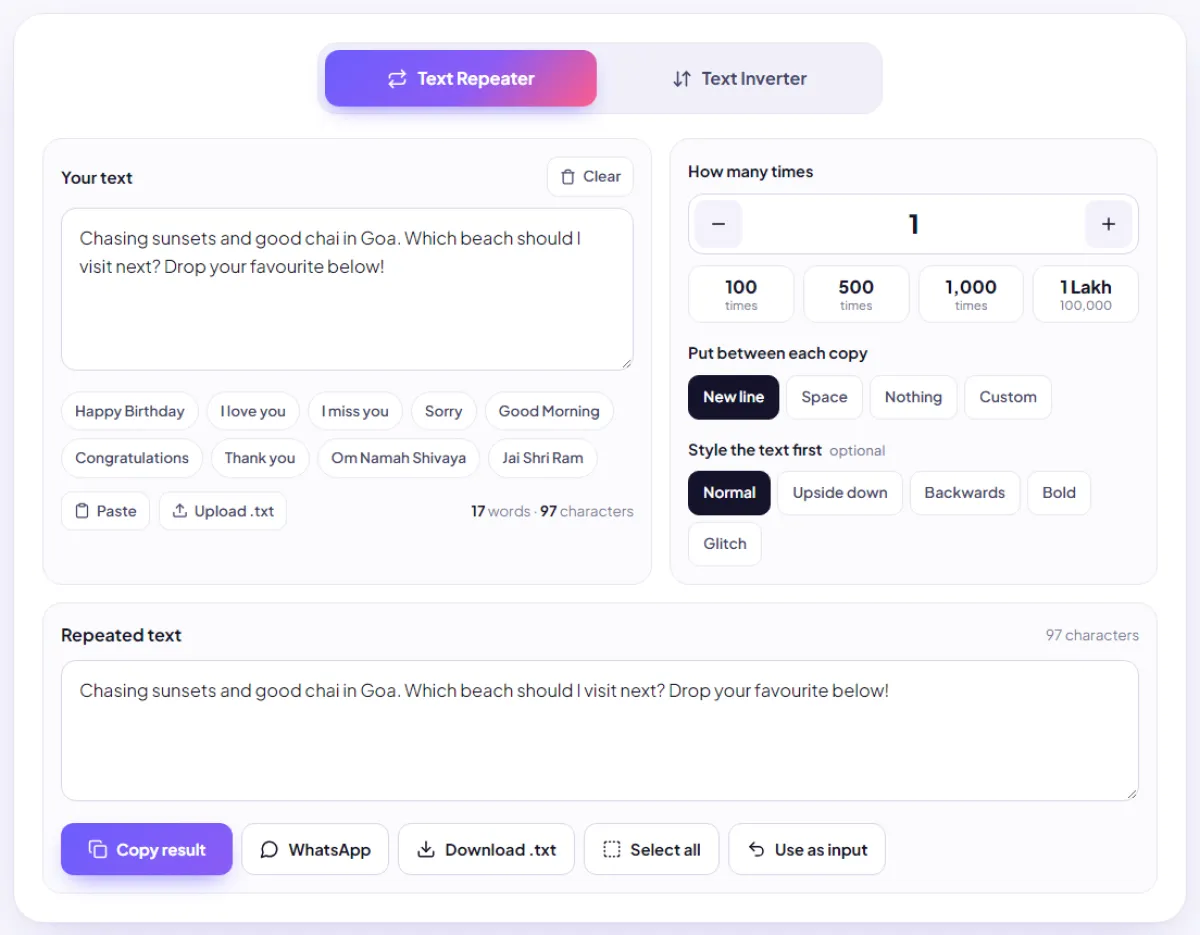
Instagram's caption box doesn't show a character counter, so a long caption can suddenly refuse to post. Paste your draft into the LoopBhai Text Repeater with the count set to 1, and the counter under the box shows exactly how many characters and words you've written.
Hashtags: how many is right?
You're allowed 30, but using all 30 often looks spammy and can attract the wrong audience. Most creators today use a handful of very relevant hashtags instead of a big block of generic ones. Choose tags that describe your post specifically, like #mumbaistreetfood rather than just #food.
Good captions
- A strong first line
- Short paragraphs with breaks
- A few specific hashtags at the end
Weak captions
- 30 random hashtags in the first line
- One giant block of text
- Important info hidden after "more"
Watch out
Don't put your phone number, price or address in fancy Unicode fonts or upside-down text. They won't be searchable or tappable. Keep important details in normal text.
Don't forget alt text
When posting, open Advanced settings and look for the option to write alt text. A short description of your photo helps blind and low-vision users understand it, and it also gives Instagram more context about your post.
Frequently asked questions
What's the Instagram caption character limit?
2,200 characters, including spaces, line breaks, emoji and hashtags.
How many characters show before "more"?
Roughly the first 125 characters, or the first line or two, depending on the screen.
How many hashtags can I use?
Up to 30 per post, but a handful of very relevant hashtags usually works better.
How can I count my caption's characters?
Paste it into the LoopBhai Text Repeater with the count set to 1. The counter shows the exact number of characters and words.
Are long captions bad for engagement?
Not if they're well written. Long captions with a strong first line and easy formatting can work really well for stories and tips.